

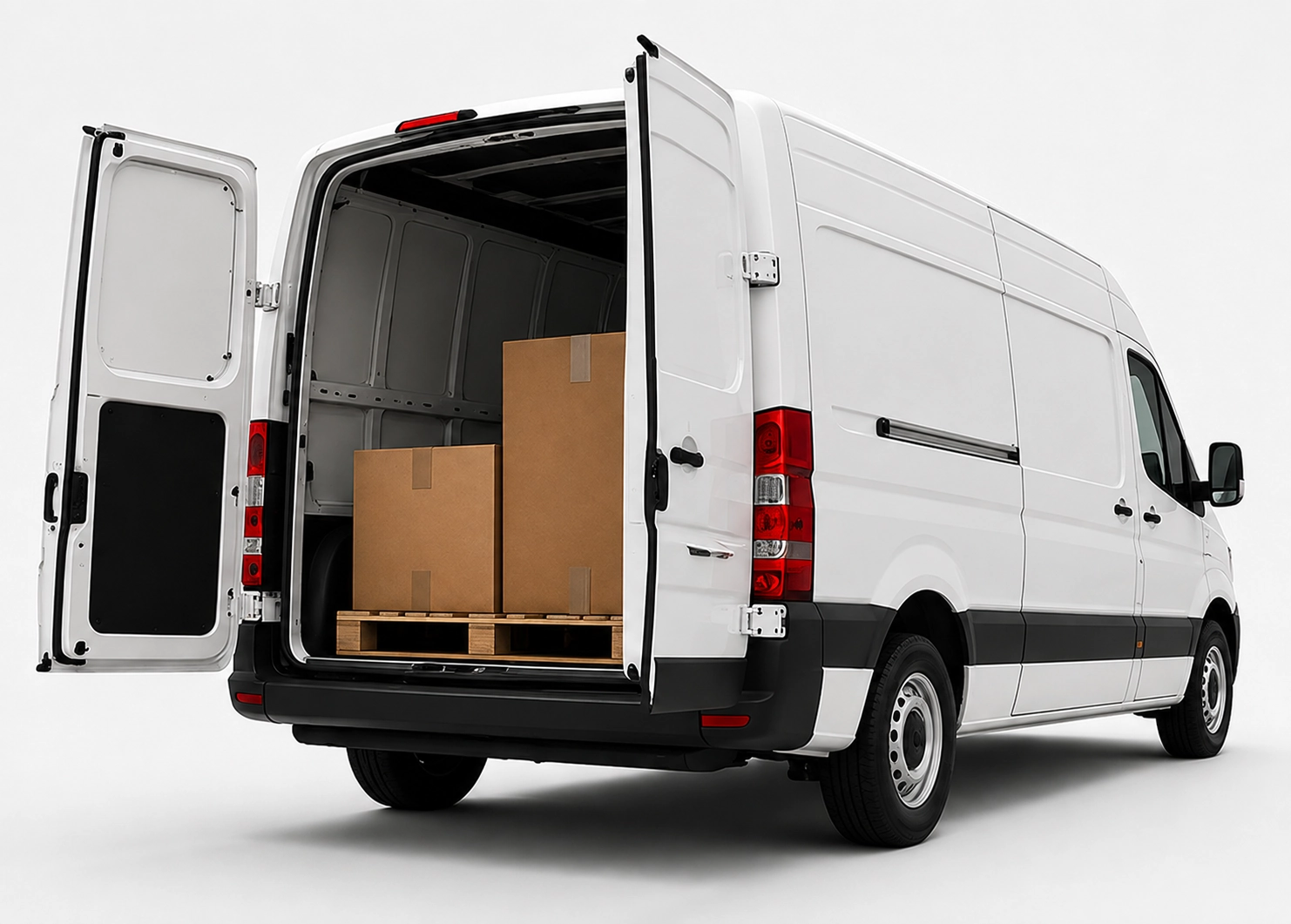
No detours.
Even overnight.
x25pronto Austria carries approved goods shipments by car, van or Van XL personally and without unnecessary transhipment. Direct and overnight trips can be booked Monday to Sunday – subject to availability in the booking calendar.
Introducing digital handover records for internal shipments
Step-by-step guidance and simple form examples to record internal shipments digitally. Photo rules, mandatory fields and booking-system integration.
Quick answer
A digital handover record captures sender, recipient, contents, time and photos on a mobile device and links the record to the booking. It makes internal shipments traceable, consistent and paperless.
Why use digital handover records?
Paper forms are easy to lose and hard to analyze. Digital records cut errors, provide instant access to photos and timestamps and improve transparency across sites — for example in Wien, Salzburg or Graz. They make audits and tracking faster.
Essential fields for a simple form
A functional form needs a few mandatory fields: sender (department, site), recipient (name, site), item description, shipment type (document, spare part, sample), packaging type, weight (optional), handover time, digital signature and photos. Mandatory fields stop incomplete entries. Add a short free-text field for special notes.
Using photos effectively
Photos clarify packaging condition and labels. Take images of: 1) the whole package, 2) the label or invoice, 3) any damage. Automatic timestamps and GPS (if allowed) strengthen evidence. Limit file size and stick to common formats (JPEG/PNG) for fast uploads.
Integrating with booking and tracking systems
Link each handover record to its booking. Use APIs to send the record from a mobile device to your booking system or a secure cloud. Connect records to order numbers or inventory IDs so staff can search and filter entries quickly.
Simple form examples
1) Tablet web form: mandatory fields, photo upload, digital signature. 2) Mobile app with offline mode: stores locally and syncs on connection. 3) QR-code start: scan at drop-off to open a prefilled form. Use dropdowns for departments and package types to reduce typing.
Rollout and user adoption
Introduce digital records stepwise. Run a pilot at two sites. Train couriers and internal senders in 20–30 minutes. Provide a short checklist for drop-off and collect feedback after the pilot to refine fields and photo rules.
Frequently asked questions
What data must I legally store?
For internal handovers, keep only necessary details. Legal retention varies by context; typically record sender, recipient, time and condition. Consult your compliance or legal team to set retention rules.
How do I protect privacy in photos?
Avoid photographing people. Focus on packaging and labels. Inform staff about purpose and retention. Use encrypted storage and role-based access in your system.
Do I need special hardware?
Not usually. Modern smartphones and tablets handle photos, signatures and forms. For heavy use, choose rugged devices with longer battery life. The key is a reliable app or web interface.
How long should records be kept?
Retention depends on your internal policy and compliance needs. Typical ranges are 6–24 months. Define rules for archiving and automatic deletion.