

No detours.
Even overnight.
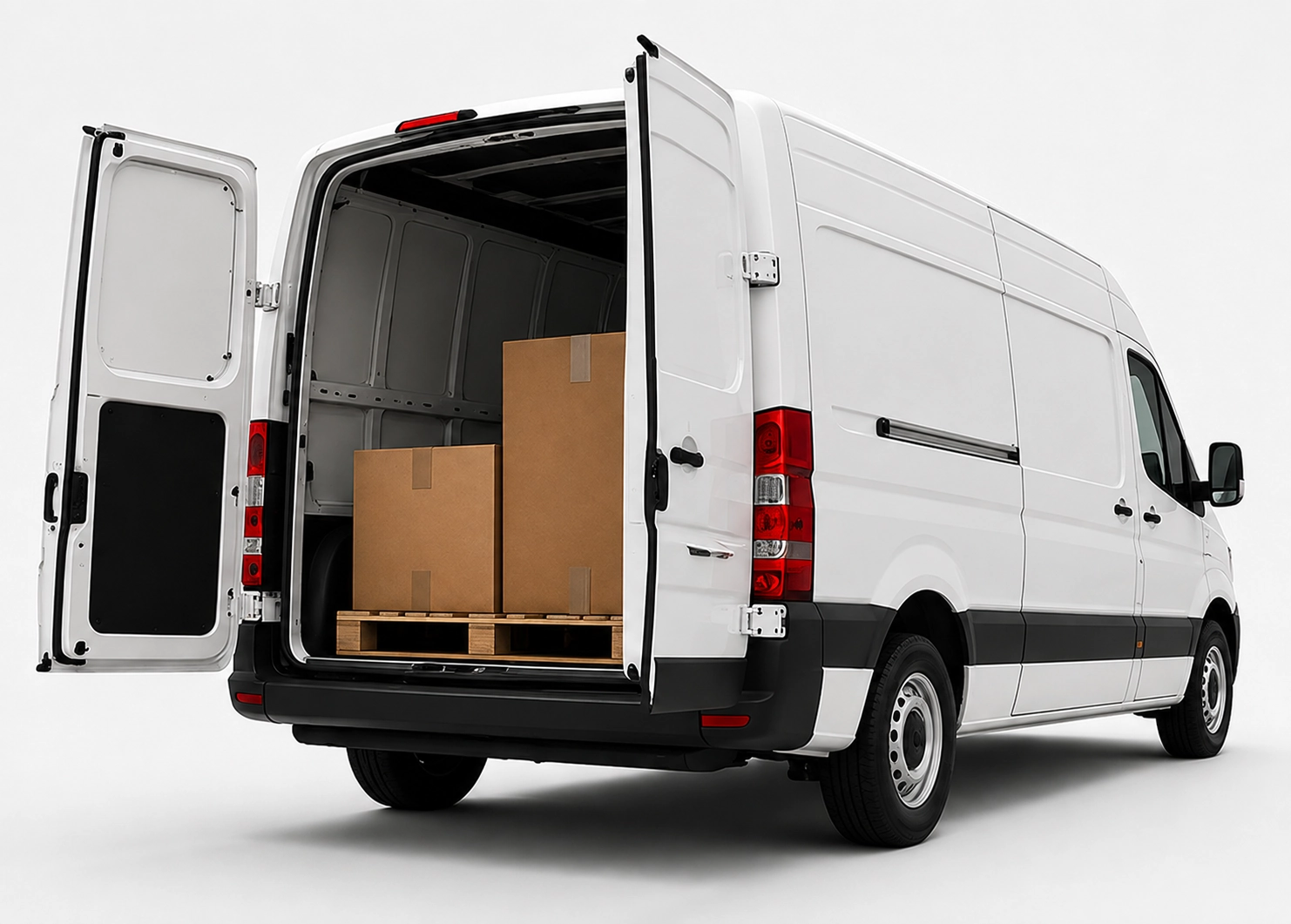
x25pronto Austria carries approved goods shipments by car, van or Van XL personally and without unnecessary transhipment. Direct and overnight trips can be booked Monday to Sunday – subject to availability in the booking calendar.
Courier apps: offline strategies and local storage
Learn how courier apps use local storage, caching and smart sync to capture delivery proofs—even with poor mobile coverage in cities like Wien or remote areas.
Quick answer
Courier apps keep delivery proofs locally, cache route data and sync when a network is available. This preserves signatures, photos and timestamps. Proper caching and incremental sync reduce bandwidth, prevent data loss and keep operations running in urban and rural areas.
Why offline matters for couriers
Drivers face poor reception in basements, courtyards or remote districts. Without offline support, photos, signatures or timestamps can be lost. Local storage captures proofs immediately and keeps the app usable without mobile connectivity.
Choose offline-first, not only-offline
Build apps around offline-first design: full functionality without network, automatic sync when online. This simplifies the user experience and reduces errors. Pure only-offline systems often lack smooth back-office integration.
What to store locally
Keep text fields, metadata (time, GPS), compressed photos and signatures locally. Avoid large raw video files. Store unique job IDs and status codes so the back office can match records reliably.
Data model and conflict handling
Use append-only logs for delivery proofs to minimize conflicts. For status changes (delivered vs attempt) rely on timestamps and version numbers. Conflicts should be resolved by last-writer-wins or flagged for manual review by dispatch.
Caching and saving bandwidth
Cache route tiles, customer notes and form templates. Compress media (JPEG 70–85% or WebP). Upload images on Wi‑Fi or when signal is adequate. Batch sync (every 1–5 minutes or at route end) cuts connection overhead.
Synchronization patterns
Prefer incremental sync: send only new or changed records. Prioritise critical items (proofs, statuses) before telemetry. Implement retry logic with exponential backoff and listen to OS network events to trigger syncs.
Frequently asked questions
How much local storage is needed per device?
Reserve 100–500 MB as a baseline for signatures, text, compressed photos and app data. Exact needs depend on photo frequency and retention. Automatic cleanup after successful sync saves space.
What device specs are recommended?
Midrange to business smartphones with 3–4 GB RAM and 32–64 GB storage give stable performance. Keep OS versions current for reliable background sync and GPS accuracy.
How to prevent data loss on app crash?
Use transactional local databases (SQLite or LevelDB) with atomic writes. Persist proofs immediately and mark them 'pending' until the server confirms receipt.
How to handle privacy and compliance?
Minimise and encrypt personal data on the device. Remove local copies after confirmed server archiving. Define retention and access controls in line with GDPR.