

No detours.
Even overnight.
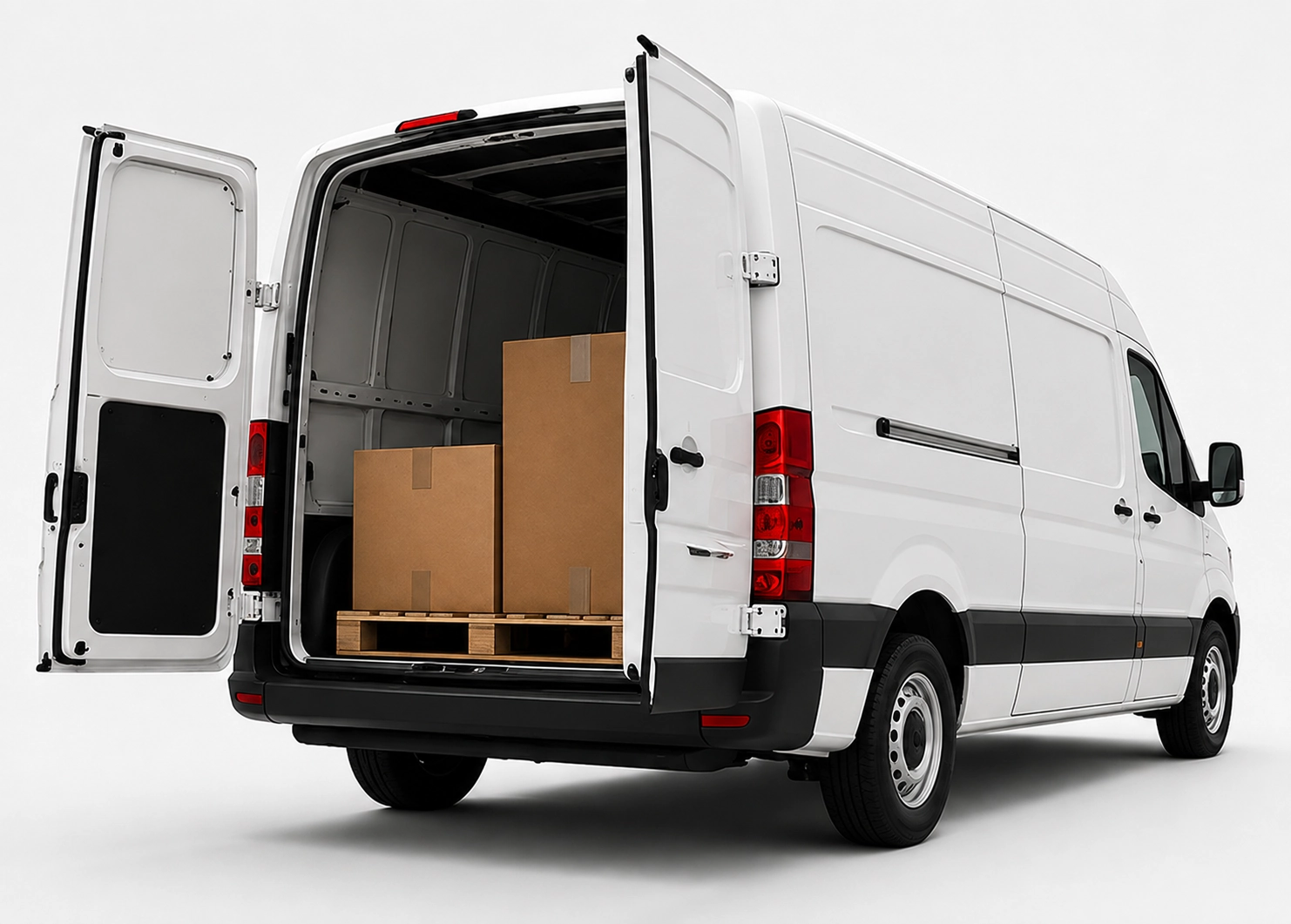
x25pronto Austria carries approved goods shipments by car, van or Van XL personally and without unnecessary transhipment. Direct and overnight trips can be booked Monday to Sunday – subject to availability in the booking calendar.
Standard photo templates and AI-assisted damage analysis
Preformatted photo templates plus simple AI image checks shorten inspection steps at goods receipt, shipping checks and claims. We give setup advice and practical tips.
Quick answer
Preformatted photo templates combined with simple AI-assisted image checks speed inspection processes immediately. Clear shooting rules reduce follow-ups, standardize evidence photos and accelerate decisions in goods checks, damage recording and claims. A lean setup uses mobile photos, automatic quality checks and light AI models to detect scratches, dents and missing parts.
Why standardized photos save time
Inconsistent photos create questions and delays. Standard templates define angle, distance, background and a reference scale. Damages become visible right away. Staff make decisions without extra messages. For German domestic processes this speeds returns and liability handling.
What a photo template should include
A simple template contains: 1) main view (front), 2) side view, 3) close-up of the damage, 4) reference object or scale. Add guidance on light, focus and file type (JPEG/PNG). Use neutral backgrounds like grey cloth or cardboard. Require fields: shipment ID, order number, date.
How simple AI supports analysis
Basic AI models check that photos are complete, correctly exposed and focused, and they detect common damage types like scratches or dents. AI returns confidence scores and highlights affected areas. This reduces manual work and makes statuses available faster.
Five-step implementation
1) Create the template with your teams (shipping, quality, customer service). 2) Train staff briefly and practically. 3) In-app validation: require images, check file size and resolution. 4) Integrate AI: automatic completeness and damage checks. 5) Review workflow: humans handle cases below the confidence threshold.
Practical tips for logistics and shipping
Give staff a short checklist. Use disposable backdrops for consistent images. Save photos with a structured filename (e.g., shipmentID_view). Set a max upload time to avoid backlogs. Check data protection and internal access rules for evidence photos.
Technical and legal notes
Choose simple, maintainable AI models that run locally or in secure clouds. Avoid capturing sensitive personal data in photos. Store metadata (date, optional GPS) separately. Define retention times and access rights in line with GDPR.
Frequently asked questions
What equipment do staff need for standardized photos?
A modern smartphone with a good camera is usually enough. Key items are a neutral background, a small reference scale and short instructions. For higher volumes, simple mounts or clamps give consistent shots.
How accurate must the AI be to be useful?
Perfection is not required. Two functions matter most: completeness checks (are required photos present?) and basic damage classification with confidence scores. Humans review borderline cases.
How fast does the setup pay off?
This depends on inspection volume. Companies with frequent queries or many small damages typically see measurable time savings within months. Savings come from fewer follow-ups, faster decisions and less manual work.
Can these photos be integrated into courier workflows like x25pronto?
Yes. Photo templates and simple image checks can be tied into existing shipment and inspection workflows. Agree on interfaces, file formats and permissions. Integration speeds up claims handling and tracking.