

No detours.
Even overnight.
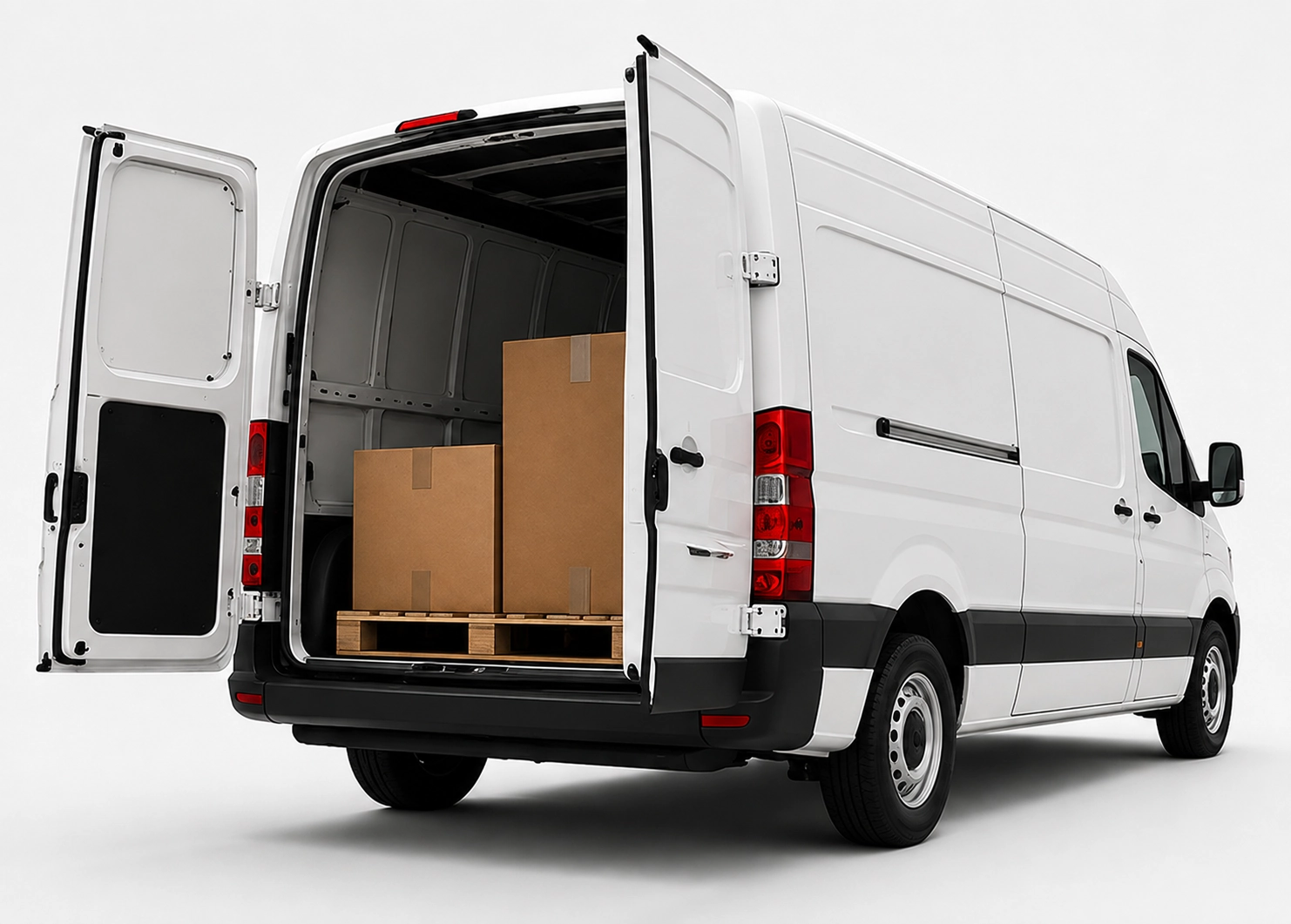
x25pronto Austria carries approved goods shipments by car, van or Van XL personally and without unnecessary transhipment. Direct and overnight trips can be booked Monday to Sunday – subject to availability in the booking calendar.
Digital transport documentation: photos, serials and QR panels
A practical guide for businesses to build seamless digital transport documentation using photos, serial numbers and QR panels. Reduce claims and speed up investigations.
Quick answer
For seamless transport documentation, use timestamped photos, unique serial numbers and QR panels linked to a central record. Follow a fixed sequence: photograph condition and packaging, record serials, scan QR panels and upload data to a single repository. This shortens claim handling and improves traceability.
Why digital transport documentation matters
Digital records provide proof and transparency. If goods are damaged or a claim arises, clear digital evidence speeds resolution. Files are searchable and accessible across teams, unlike loose paper documents.
Core elements: photos, serial numbers, QR panels
Photos: Capture a consistent set — packaging, item condition, placement in the vehicle. Serial numbers: Record article IDs and serials as text. QR panels: Attach QR codes to pallets or crates that link to a shipment or product record. Together these elements reduce ambiguity.
A practical workflow for shipper and courier
1) Prepare: Define mandatory images and fields (e.g. package front, delivery note, serial). 2) Capture: Take photos with phone or tablet in good light. 3) Record: Scan or enter serial numbers. 4) QR-scan: Scan the QR panel and link it to the shipment record. 5) Upload: Send all files to a central system or cloud folder. 6) Confirm: Shipper and driver confirm upload and condition.
Technical tips and file formats
Store photos in efficient JPG (1–3 MB) and use clear filenames like ShipmentID_Date_Time_Location. Keep serials as text, with CSV or JSON export options. QR codes should point to a URL or unique ID. Protect access with proper permissions.
Organization and process design
Create short checklists for warehouse, dispatch and courier handover. Train staff and drivers for consistent results. Define retention periods and assign responsibility for data maintenance and privacy.
Tips to avoid claims and speed handling
Use documentation proactively: inspect photos before dispatch and compare on arrival. For claims, provide the photo series, serial numbers and QR history in one packet. This often resolves disputes faster and reduces follow-up work.
Frequently asked questions
Which photos are mandatory for transport documentation?
At minimum: package front, delivery note or label with shipment ID, a close-up of the serial number, and a full-picture of the pallet or crate.
How durable should QR panels be?
Make QR panels weatherproof and legible. Laminated stickers or rigid plastic panels withstand handling best. Place them where they are visible during loading.
How long should I keep the documentation?
Retention depends on your policies and legal rules. Practically, keep documentation for at least 6–12 months to handle most claims.
Can I connect this to existing systems?
Yes. CSV/JSON exports and URLs from QR panels make integration with ERP, WMS or cloud drives straightforward.